What Does a Virtual Assistant Actually Do? (The 2025 Guide)
What Does a Virtual Assistant Actually Do? (The 2025 Guide)
It’s not just answering emails. Here’s the real scope of what a modern VA handles.
What You'll Learn
- The Outdated Image
- Core Admin Support
- Financial Admin
- Client-Facing Support
The Outdated Image
When most people hear “Virtual Assistant,” they think of someone answering phones and typing letters. Maybe booking the odd flight.
That image is about 15 years out of date.
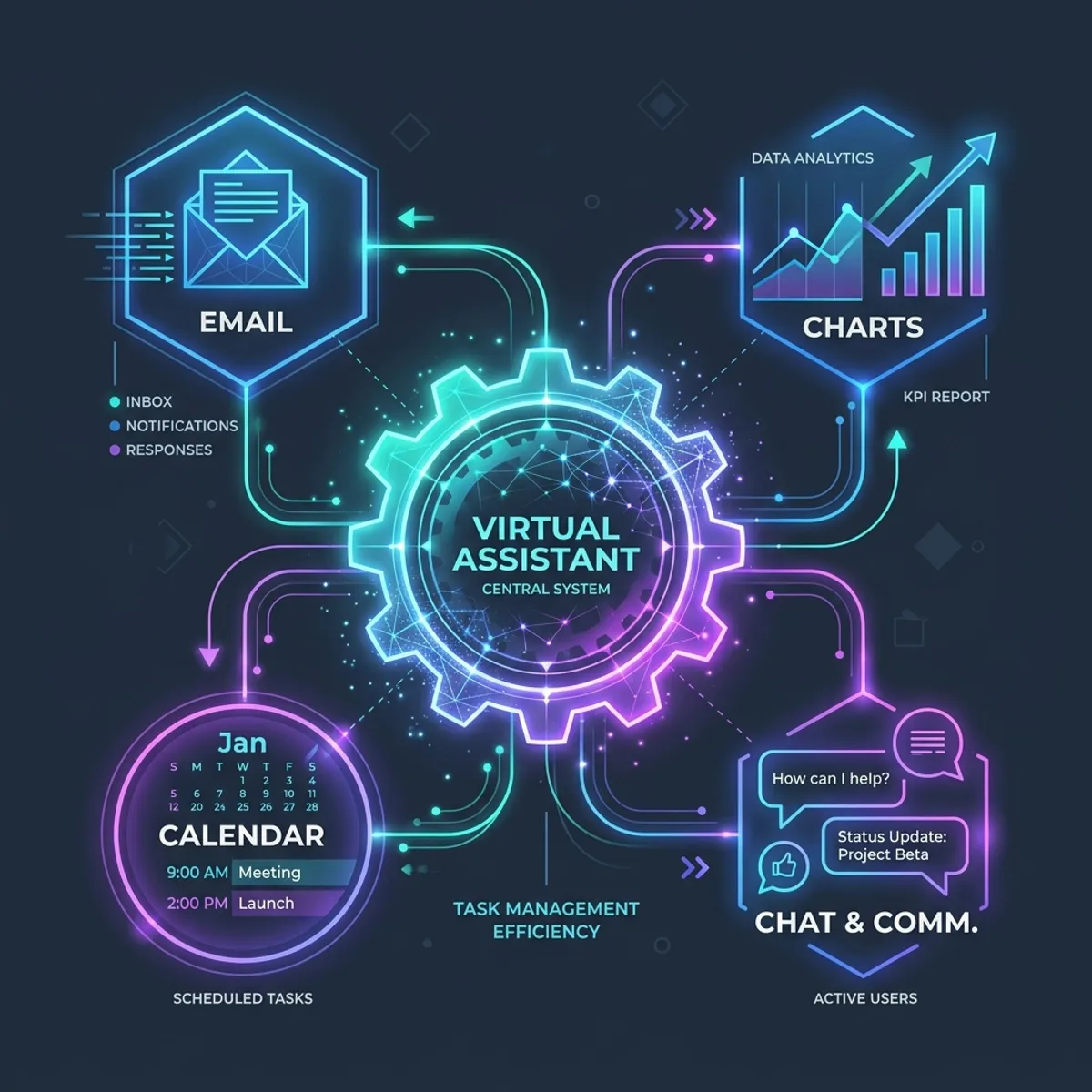
A modern Virtual Assistant is a remote admin professional who handles the operational backbone of a business. They work from their own office, use your tools and systems, and manage the tasks that keep your business running, while you focus on the tasks that grow it.
Here’s what that actually looks like in 2025.
Core Admin Support
The bread and butter. These are the tasks that eat the most time and are the easiest to hand over.
Email Management
Not just reading and replying. A VA manages your inbox as a system:
- Triaging incoming emails by priority and category
- Drafting responses for your review (or sending standard replies directly)
- Flagging urgent items and filtering out noise
- Unsubscribing from irrelevant mailing lists
- Maintaining email templates for common responses
- Following up on emails that haven’t received a reply
Diary and Calendar Management
- Scheduling meetings around your actual availability and preferences
- Sending calendar invitations with correct details and video links
- Managing cancellations and rescheduling
- Blocking focus time so your day isn’t wall-to-wall meetings
- Sending reminders for upcoming commitments
- Coordinating multi-person meetings across time zones
Document Management
- Creating, formatting, and proofreading documents
- Maintaining filing systems (Google Drive, Dropbox, OneDrive)
- Converting between formats (Word to PDF, spreadsheet cleanup)
- Version control: making sure everyone’s working from the latest document
- Creating templates for recurring documents
Financial Admin
Invoicing
- Creating and sending invoices on schedule
- Tracking payments and flagging overdue accounts
- Sending payment reminders (polite but persistent)
- Reconciling payments against invoices
- Maintaining client billing records
Expense Management
- Processing receipts and logging expenses
- Categorising spending for bookkeeping
- Preparing expense reports
- Filing digital copies of receipts for HMRC compliance
- Liaising with your accountant at quarter/year-end
Bookkeeping Preparation
- Entering transactions into accounting software
- Bank reconciliation
- Preparing VAT return data
- Organising financial documents for your accountant
- Maintaining petty cash records
Client-Facing Support
Client Communication
- Responding to initial enquiries (within hours, not days)
- Sending onboarding packs and welcome emails
- Scheduling discovery calls and consultations
- Following up after proposals and quotes
- Managing client feedback and testimonials
- Handling routine client questions
CRM Management
- Updating client records with new information
- Logging interactions and communications
- Moving leads through pipeline stages
- Setting follow-up reminders
- Generating reports on client activity
Social Media and Content Support
Social Media Management
- Scheduling posts across platforms
- Creating basic visual content (Canva, templates)
- Monitoring comments and messages
- Engaging with followers and community
- Tracking engagement metrics
- Research on trending topics and hashtags
Content Administration
- Blog formatting and uploading
- Newsletter preparation and scheduling
- Repurposing content across platforms (blog → social → email)
- Proofreading and editing
- Maintaining content calendars
Research and Data
Business Research
- Competitor analysis
- Market research for new services or products
- Supplier sourcing and price comparison
- Industry news monitoring
- Event and networking opportunity research
Data Management
- Data entry and database maintenance
- Spreadsheet creation and maintenance
- Data cleaning and deduplication
- Creating reports from existing data
- Updating directories and listings
Project Coordination
Task Management
- Maintaining project trackers and to-do lists
- Chasing team members and contractors for updates
- Updating project management tools (Trello, Asana, Notion)
- Tracking deadlines and milestones
- Preparing status updates
Event Coordination
- Booking venues, catering, and equipment
- Managing attendee lists and RSVPs
- Creating event materials and agendas
- Coordinating logistics for business events
- Post-event follow-up and feedback collection
Specialist and Industry-Specific Tasks
Depending on the VA’s experience, they may also handle:
For Tradespeople and Service Businesses
- Quote preparation and follow-up
- Job scheduling and diary management
- Supplier ordering and delivery coordination
- Health and safety document management
- Customer review requests and management
For Consultants and Coaches
- Client session scheduling and reminders
- Course/programme administration
- Testimonial collection and management
- Webinar and workshop setup
- Resource library maintenance
For E-commerce
- Order processing and tracking
- Customer service emails
- Product listing management
- Returns and refunds processing
- Stock monitoring
What a VA Doesn’t Do
Being clear about boundaries is as important as understanding capabilities:
Not an employee. A VA is a self-employed professional. They manage their own tax, insurance, and equipment. You don’t pay employer’s NI, pension contributions, or holiday pay.
Not a replacement for professional services. VAs prepare bookkeeping data (they don’t replace your accountant. They manage documents) they don’t replace your solicitor. They coordinate projects : they don’t replace your project manager.
Not available 24/7. Unless specifically agreed, VAs work set hours. They’re not on-call. If you need instant responsiveness outside agreed hours, discuss it upfront.
Not a mind-reader. Good VAs are proactive and intuitive, but they need clear briefing, access to the right tools, and feedback : especially in the first few weeks.
How It Works in Practice
A typical working arrangement looks like this:
- Agreed hours: You book a set number of hours per week or month (e.g., 10 hours/month, 5 hours/week)
- Communication: Daily or weekly check-ins via email, Slack, or a quick call
- Tools: The VA works in your existing tools : Google Workspace, your CRM, your project management software
- Tasks: You delegate via a shared task list, email, or voice note : whatever suits your workflow
- Reporting: The VA tracks time and provides regular updates on what’s been completed
Most client-VA relationships start with a discovery call to understand your business, a trial period of 2-4 weeks, and then settle into a rhythm that works for both sides.
How to Get Started
The first step isn’t hiring. It’s auditing.
Spend one week writing down every admin task you do. Don’t filter: write everything, no matter how small. At the end of the week, you’ll have a list that probably surprises you in its length.
Circle the tasks that don’t need your specific knowledge or judgement. That’s your VA’s starting workload.
Ready to See What a VA Could Handle for You?
At Empower VA Services, we provide professional virtual assistant support for UK businesses. From inbox management to invoicing, client communication to content admin, we handle the operational work so you can focus on growth.
Tell us about your business and your admin headaches. We’ll show you what a VA could take off your plate, and how quickly.
Nicola Berry is the founder of Empower VA Services, based in Falkirk, Scotland. Comprehensive admin support for businesses that have outgrown doing it all themselves.