How to Onboard a Virtual Assistant (So They Actually Hit the Ground Running)
How to Onboard a Virtual Assistant (So They Actually Hit the Ground Running)
The first two weeks decide whether this works brilliantly or falls apart. Here’s how to nail them.
What You'll Learn
- Why Onboarding Matters More Than Hiring
- Before Day One: Preparation
- Week One: The Foundation
- Week Two: Building Independence
Why Onboarding Matters More Than Hiring
Finding the right VA is important. But the onboarding is what determines whether a great hire delivers great results or becomes a frustrating experience for both of you.
A VA who’s poorly onboarded will:
- Ask the same questions repeatedly
- Produce work that doesn’t match your expectations
- Take longer to become self-sufficient
- Create a dynamic where you spend more time managing than you save on admin
A VA who’s properly onboarded will:
- Be productive from the end of week one
- Match your tone and standards from the start
- Take initiative and anticipate needs
- Become an indispensable part of your operation within a month
The difference isn’t the VA’s talent; it’s the onboarding.
Before Day One: Preparation
1. List Your Tasks (Be Specific)
Don’t hand your VA a vague mandate like “help with admin.” Create a concrete list of tasks with examples:
Instead of: “Manage my email” Write: “Check inbox at 9am and 2pm. Respond to enquiries using the templates in our shared folder. Flag anything from clients X, Y, Z for my personal response. Archive newsletters. Forward anything about invoices to my accountant.”
Instead of: “Help with social media” Write: “Schedule 3 posts per week on LinkedIn using content from our ideas document. Use Canva template #4 for graphics. Post at 8:30am Tuesday, Thursday, and Saturday.”
Specificity saves weeks of back-and-forth.
2. Set Up Access
Before your VA’s first day, have all access ready:
Essential:
- Email access (delegate access in Google Workspace, or shared inbox credentials)
- Calendar access (editor permission)
- File storage access (Google Drive, Dropbox, or equivalent)
- Communication channel (Slack, WhatsApp, or email thread for quick questions)
As needed:
- CRM or client management tool
- Social media accounts
- Invoicing or bookkeeping software
- Project management tool
- Password manager (use a proper one (LastPass, 1Password) never share passwords in plain text)
3. Record Yourself
This is the single most effective onboarding tool.
Before your VA starts, record yourself doing 3-5 key tasks using Loom, Screencastify, or similar. Talk through your decisions as you go:
“OK, so I’ve got this email from a new enquiry. I check the subject line first (if it mentions pricing, I use Template B. I always respond within 4 hours. I add them to the CRM here) notice I put the date of first contact and the source…”
A 10-minute video replaces a 3-page SOP document and communicates nuances that written instructions miss.
4. Create a “How I Like Things Done” Document
One page. Not a manual, but a cheat sheet:
- Communication tone (formal/casual/friendly professional)
- Email sign-off style (“Best wishes” / “Thanks” / “Cheers”)
- Working hours and response time expectations
- How to handle urgent vs non-urgent items
- Who to contact for what (accountant, web developer, etc.)
- Things that are non-negotiable (never respond to X without checking with me first)
Week One: The Foundation
Day 1-2: Observe
Your VA should spend the first two days watching, not doing.
- Read through recent emails to learn your communication style
- Review your calendar for the past month to understand your typical schedule
- Explore your filing system and note how things are organised
- Go through any existing templates, processes, or documentation
If you’ve recorded those Loom videos, Day 1 is when they watch them, and come back with questions.
Day 3-5: Shadow and Draft
Your VA starts handling tasks, but with a safety net:
- Email: They draft responses and send them to you for review before sending
- Calendar: They propose scheduling decisions and check before confirming
- Documents: They create first versions for your review
This isn’t busywork; it’s calibration. Each review is an opportunity for you to say “perfect, do this independently from now on” or “good, but next time change X.”
End of Week 1 Check-In
A 30-minute call:
- What’s going well?
- What’s confusing?
- What access or information is missing?
- Which tasks can the VA start handling independently?
Week Two: Building Independence
Graduated Autonomy
Based on Week 1 feedback, move tasks from “draft and check” to “handle independently”:
Green light (do it, don’t check):
- Standard email responses
- Calendar management
- Filing and documentation
- Data entry
Yellow light (do it, brief me after):
- Non-standard email responses
- Proposal formatting and sending
- Invoice creation
- Client communication
Red light (check with me first):
- Anything involving money decisions
- Communication with key clients you specify
- Any situation that’s completely new
Daily Stand-Up (5 Minutes)
Keep it brief. Every morning or evening:
- “Here’s what I did today”
- “Here’s what’s planned for tomorrow”
- “Here are my questions”
This takes 5 minutes and prevents misalignment from building up.
End of Week 2 Check-In
A longer review:
- Move more tasks to “green light”
- Address any patterns (recurring questions, repeated adjustments)
- Discuss what else could be delegated
- Set the ongoing check-in cadence (weekly? fortnightly?)
Month One: Rhythm
By the end of month one, you should have:
✅ A VA who handles routine tasks independently ✅ A clear escalation process for non-routine items ✅ A daily or weekly summary format that works for both of you ✅ An established communication rhythm (stand-up + weekly check-in) ✅ A growing list of tasks being delegated ✅ Measurably more free time in your calendar
If something isn’t working at the one-month mark, address it now; don’t wait. Early course correction is easy; late course correction feels like a relationship breakdown.
Common Onboarding Mistakes
1. Overwhelming on Day One
Don’t dump 30 tasks on your VA on the first day. Start with 3-5 tasks. Add more as they demonstrate competence.
2. Under-Briefing
“You’ll figure it out” isn’t a briefing. The time you invest in clear instructions during onboarding pays back tenfold in reduced management later.
3. Not Providing Feedback
If your VA does something well, say so. If they do something differently from how you’d like, correct it immediately and kindly. Silence is confusing.
4. Micro-Managing After Week Two
At some point, you need to let go. If your VA has demonstrated competence in a task, stop checking their work. Trust the system. Review outputs periodically, not constantly.
5. Not Using Their Skills
A good VA brings experience from multiple businesses. If you only give them basic data entry, you’re wasting their capabilities. Ask: “What else could you help with that I haven’t thought of?”
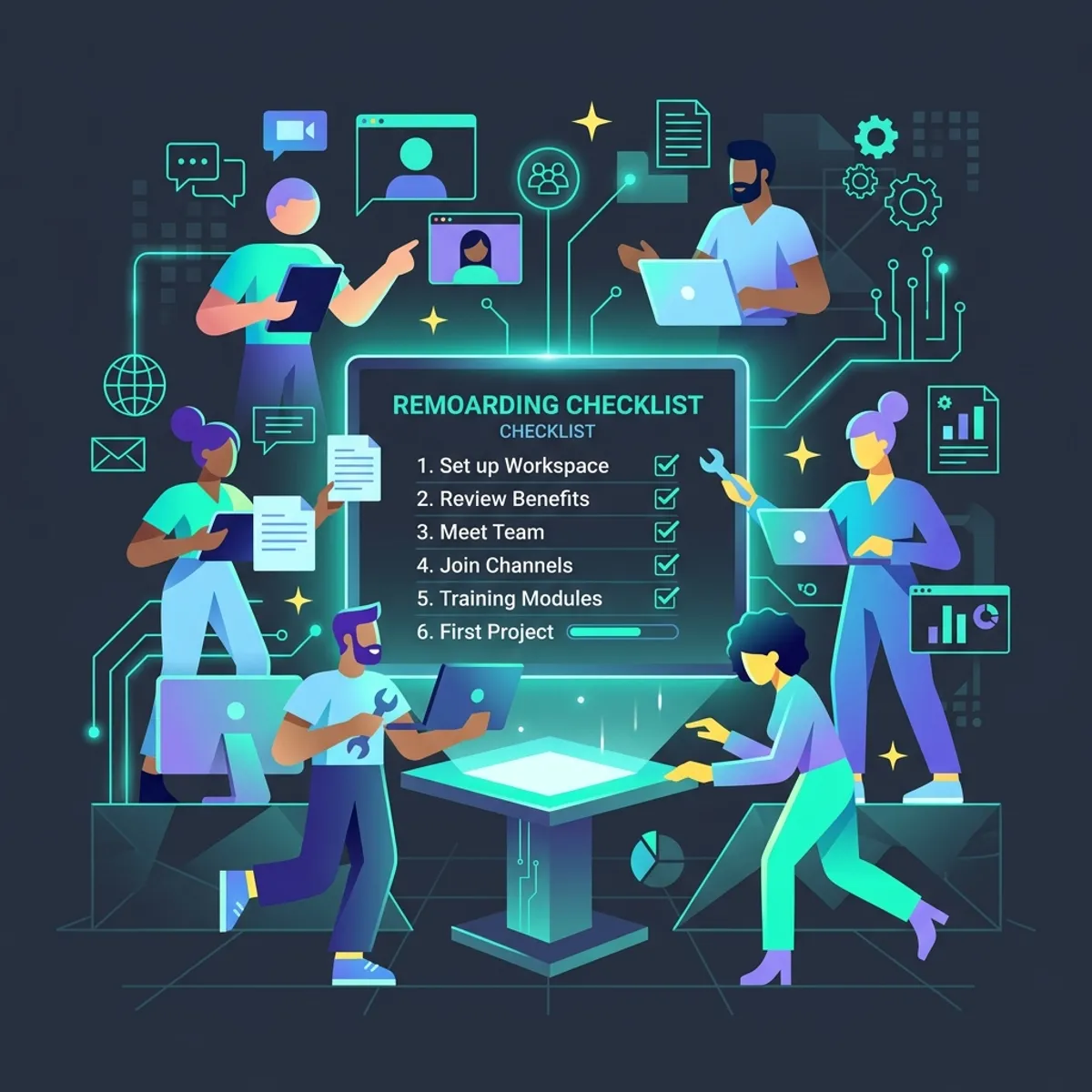
The Onboarding Checklist
Before Day 1:
- Task list with specific examples
- Access credentials prepared (via password manager)
- 3-5 Loom recordings of key tasks
- “How I Like Things Done” one-pager
- Communication channel agreed
- Working hours and response expectations set
Week 1:
- Observation period (Days 1-2)
- Shadow and draft period (Days 3-5)
- End-of-week check-in
- First tasks approved for independence
Week 2:
- Graduated autonomy in place
- Daily stand-up established
- End-of-week review
- More tasks moved to independent
Month 1:
- Full rhythm established
- Summary/reporting format agreed
- Ongoing check-in cadence set
- Next batch of tasks identified for delegation
Ready to Start?
At Empower VA Services, we guide you through onboarding. We know what information to ask for, how to set up systems efficiently, and how to reach full productivity quickly. The first two weeks are structured and supported; by month two, we’re running independently.
We’ll discuss your needs and walk you through exactly how the first two weeks will work.
Nicola Berry is the founder of Empower VA Services, based in Falkirk, Scotland. Making the first two weeks count.
Explore More Insights
Outsourcing the Overwhelm: A Guide to Ethical Delegation
Delegation isn't lazy; it's a structural necessity. Learn how to move from 'hiring a helper' to 'partnering with an expert' while protecting your mental capacity.
The Art of the Professional Handover: Making Your Business Run on Holiday
If your business stops the moment you do, you have built a high-pressure cage. Discover the secret to true freedom: the Professional Handover.